

Based on information from the National Infrastructures for Research and Technology (GRNET S.A.), which is responsible for managing and operating the Delos 365 service, the service will remain offline for security reasons until further notice.
As a result, newly admitted students cannot be issued an email account.
Students who already have an institutional email account and want to use it through a browser (webmail) can bypass Delos by following this link:
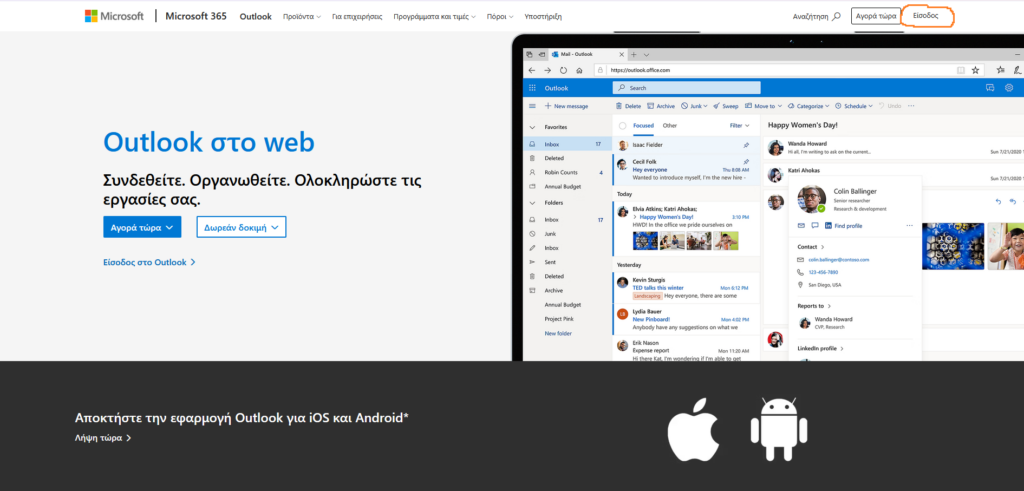
https://www.microsoft.com/el-gr/microsoft-365/outlook/web-email-login-for-outlook
In the top right corner you will see the “Sign in” field. Enter your institutional email address there, then follow the steps shown in the attached images.
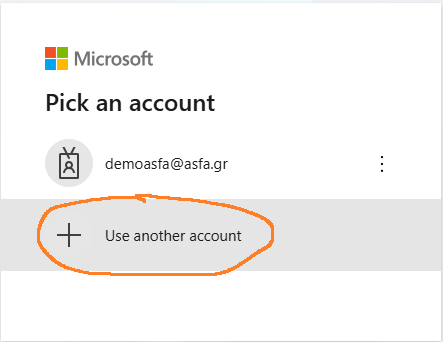
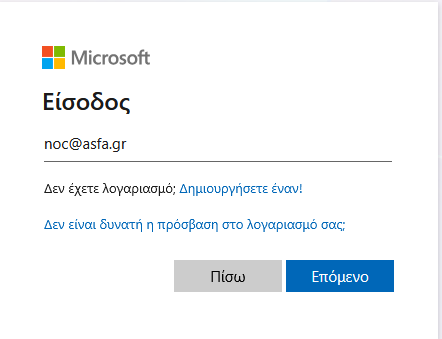
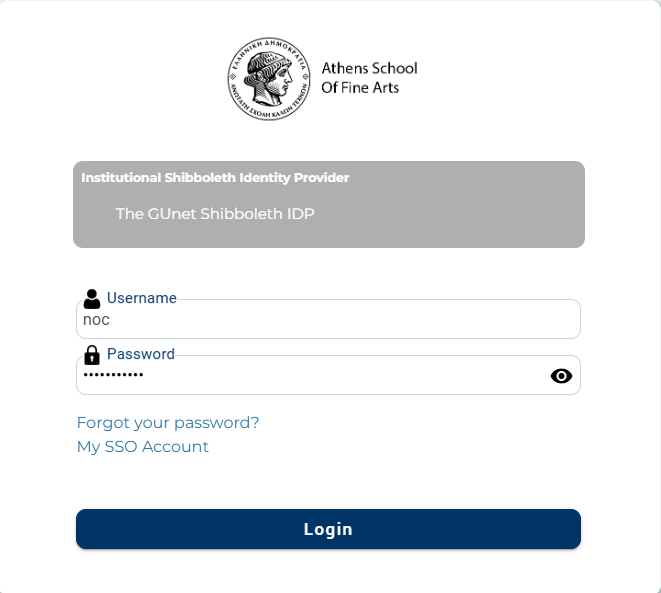
The corresponding Outlook apps for Android and iOS are also available.
If you use Outlook 2019 or later, you can keep using your institutional email as usual.